Shape the office to the terminal it's in.
The same floor runs in a widescreen and in an ssh session half that wide. Layouts set the geometry, themes set the paint, and the power governor decides how hard the office renders when nothing on it is moving.
Normal is the floor plan. Everything else is a slash command.
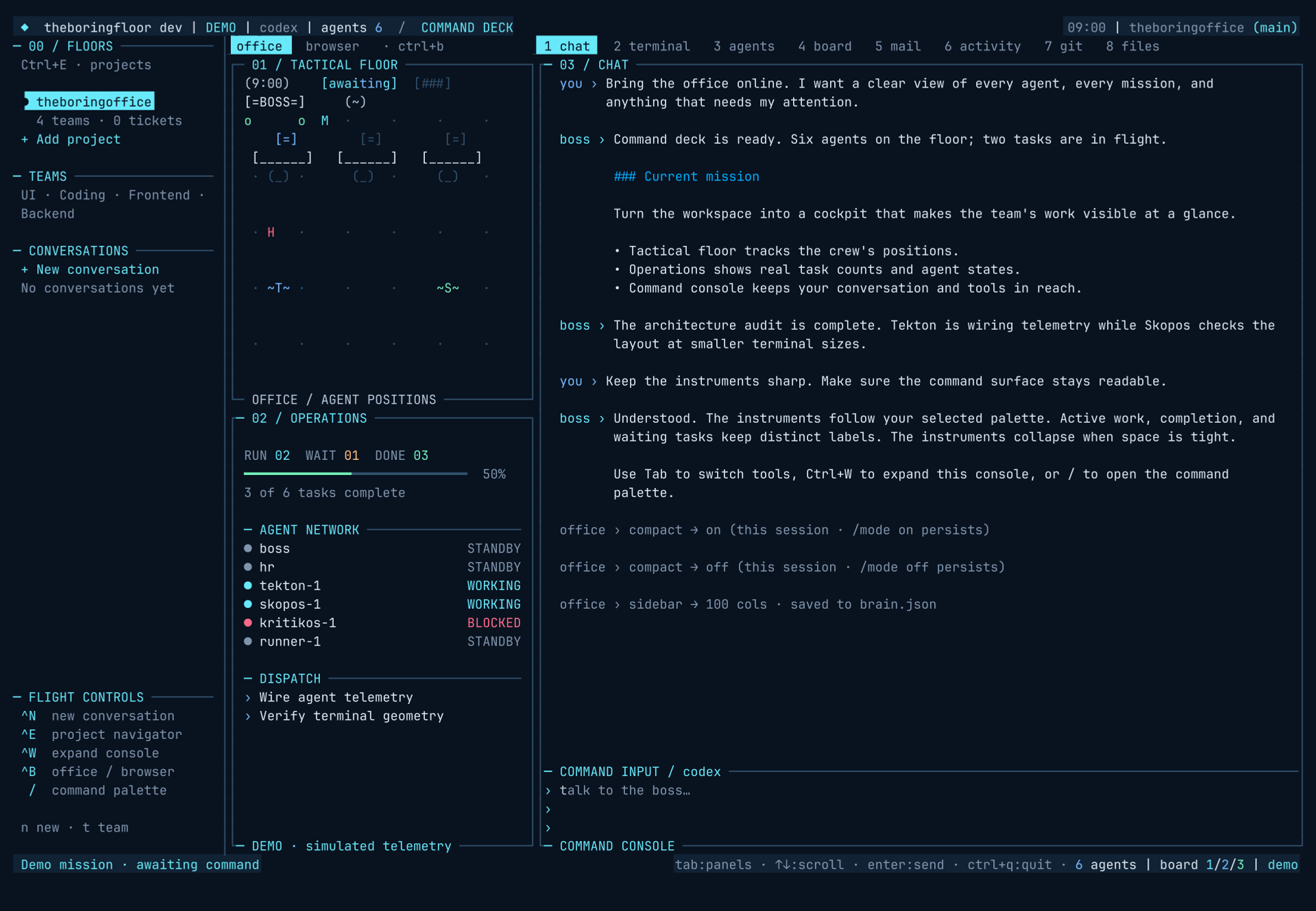
The desktop layout has three panes: project floors on the far left, the office in the middle, and transcript and eight tools tabs on the right. Ctrl+E focuses floors; Ctrl+W expands tools while retaining the navigator. Below 100 columns, floors use a drawer. See workspaces for the complete workflow.
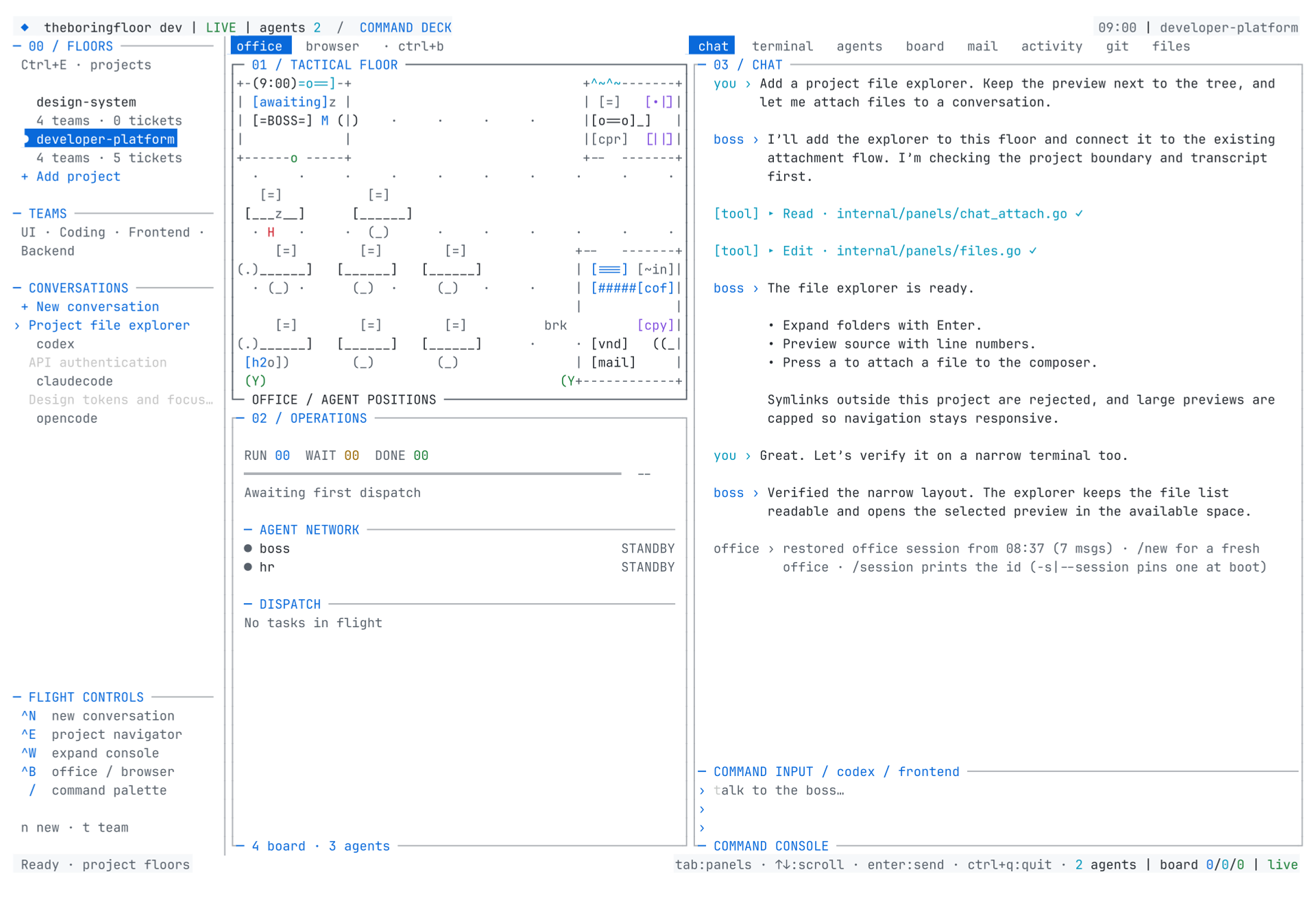
/compact on narrows the sidebar to 30 columns, swaps the tab labels for short letters and drops the input to two rows — for narrow windows and side-by-side terminals. It holds for this session; if you want it to stick, /mode compact is the same choice persisted to brain.json (/mode normal walks back).
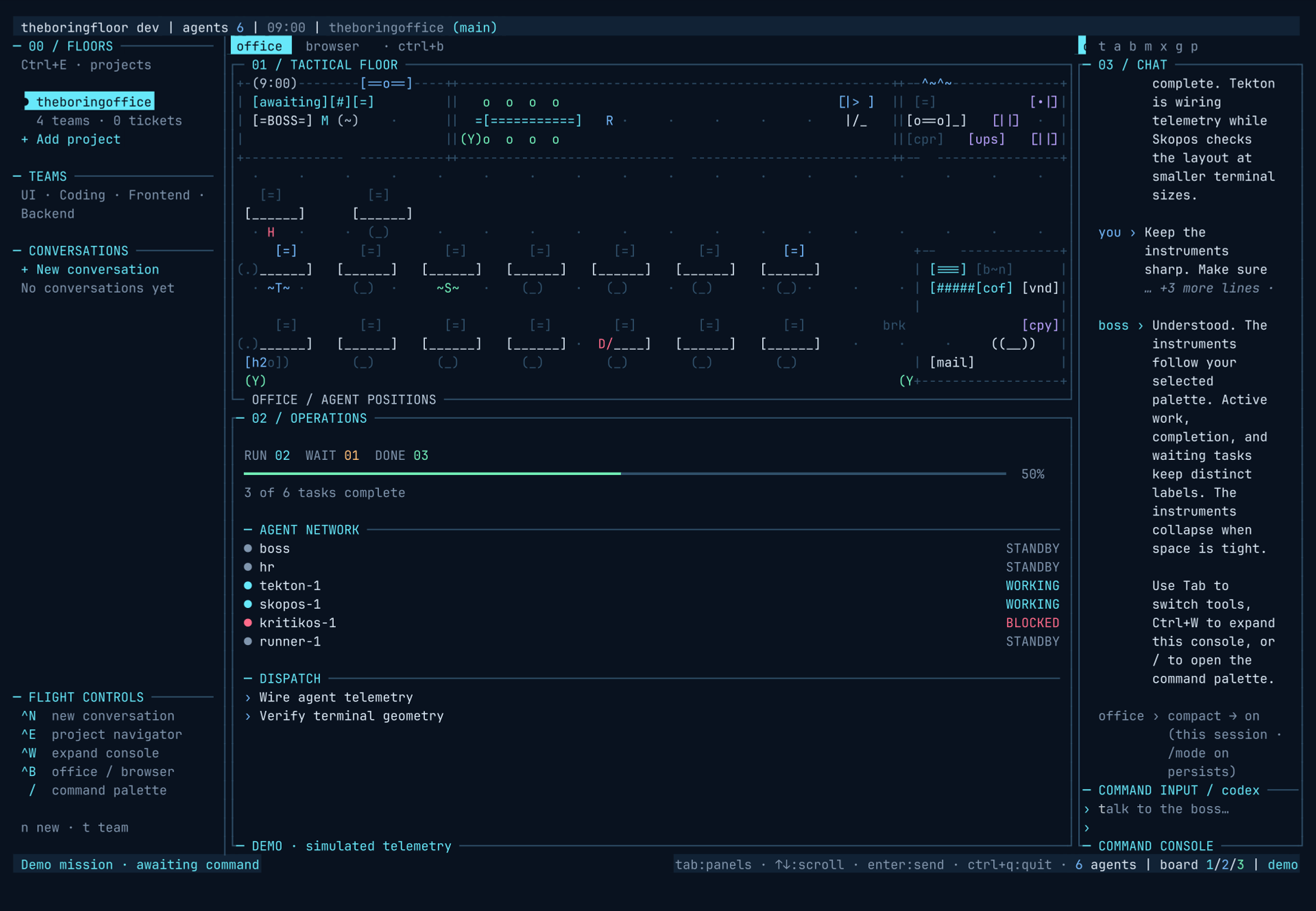
/wide <n> sets the sidebar width directly — 26 to 100 columns, 0 restores the default of 80 — and persists. /zen goes the other way: fullscreen floor, minimal chrome, the sidebar entirely out of the way, any key exits. /focus floor is its alias.
Fourteen palettes. Bring your own, too.
Every palette uses the same cockpit: tactical floor, live task meter, agent network, dispatches and numbered tool consoles. Instruments collapse when the terminal is small. Dark terminals default to Cockpit; light terminals use Paper. Pick a palette at launch with --theme tokyo-night, or save a choice in-app with /theme <name>. /themes lists them all.
The pleasant part is the try-on: arrowing through the slash popover's /theme matches applies each one as a live preview while you pass it. enter commits what you land on. You never switch a theme blind.
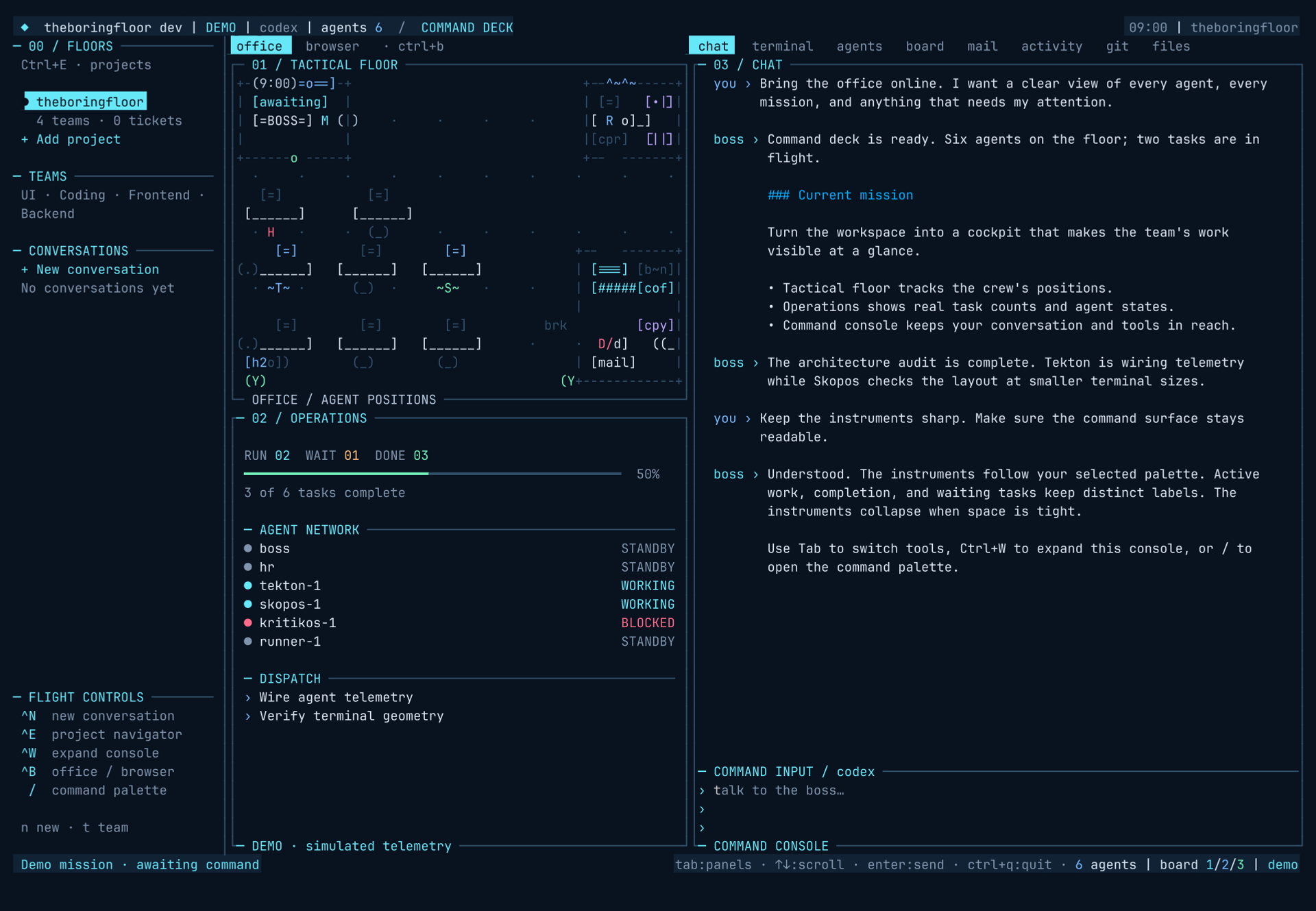
Cockpit
Midnight blue. Phosphor instruments. Your command deck, ready for anything.
/theme cockpitRun this command inside theboringfloor.
Import a VS Code theme
Use /theme import "/path/to/My Theme.json" or launch with --import-theme ./my-theme.jsonc. The imported palette appears in the picker as custom-my-theme and your choice is saved. Installed VS Code extensions usually keep their files under ~/.vscode/extensions/<extension>/themes/; the extension's package.json lists them in contributes.themes.
Edit any palette
Run /theme export ~/my-theme.json, edit its name, colors or tokenColors, then /theme import ~/my-theme.json. Reimport the same name to update it live. Exports require a new destination file. Saved imports live in ~/.config/theboringfloor/themes/, or under $XDG_CONFIG_HOME when set. Edit those files directly and use /theme reload to refresh the library.
JSON/JSONC comments, trailing commas, relative local includes, transparent hex colors and common TextMate scopes for diff syntax are supported. Editor, status bar, border, button, terminal ANSI and diff colors map to the cockpit; missing slots use light or dark defaults. VS Code-specific components, semantic-token rules, complex language selectors and .tmTheme references do not transfer. Import the JSON theme file itself, rather than an extension package.
The office goes cheap when nothing moves.
/power auto|performance|saver sets the render cadence and writes back to brain.json. Auto is the default and the one most people should keep: it reads whether anything is live — streaming, pending replies, walkers, open modals, ambient bubbles — and slows the tick the moment the floor goes quiet.
| mode | busy | idle | drift (1 min quiet) |
|---|---|---|---|
| auto (default) | 180ms ticks | 1s | 3s |
| performance | 150ms flat | — | — |
| saver | 400ms | 2s | — |
What saver actually slows is the cadence the ambience rides: walk cycles, tea-machine steam, server LEDs, the typing pulse. It never drops events and never slows the boss — the backend keeps its own pace regardless. Underneath all three modes the renders are memoized (a frame digest on the app; (size, planGen, tick, renderRev) on the floor), and the agentmemory board poll backs off 2× after five quiet syncs, capped at 4× and reset on change. Battery on a laptop is a render problem, and performance is 150ms flat for when it isn't.
What this doesn't do yet.
- /compact narrows the sidebar, not the floor. The office floor's own plan is fixed — resizing the building is not a command yet.
- /zen is a view, not a screensaver. Any key exits, so it will not stay parked on your second monitor.
- Saver changes cadence, not capability. The floor animates slower; the work behind it does not.